
ClustrMaps is one of those sites that shows your name, address, phone number, and even a map of where you live. It pulls this information from public records and data brokers. If you’ve looked yourself up and found a listing on ClustrMaps, it can feel a little invasive.
The good news is, you can request to have your listing removed. It doesn’t take long, and it’s one of the easiest privacy wins you can check off your list today.
Here’s how to do it.
What Is ClustrMaps and Why Is Your Info There?
ClustrMaps is a people search site. It collects data from public sources like property records, voter rolls, and other third-party databases. Then it creates a page with your name, address, age, and past locations. Anyone can search for you and get a snapshot of your life.
This might be useful for old classmates or curious neighbors, but for most people, it’s just a privacy concern. If you value your safety, your job, or just want to be less searchable, opting out is the right move.
Step-by-Step: How to Remove Your Info from ClustrMaps
Step 1: Search for your profile
Go to clustrmaps.com and type your name into the search bar. Add your city or state if there are a lot of results.
Step 2: Find the correct listing
Look through the search results and find the listing that matches your name and address. Click on the link to open your full profile page.
Step 3: Copy the URL of your profile
Once your listing is open, copy the full web address from your browser. You’ll need this in the next step.
Step 4: Visit the ClustrMaps opt-out form
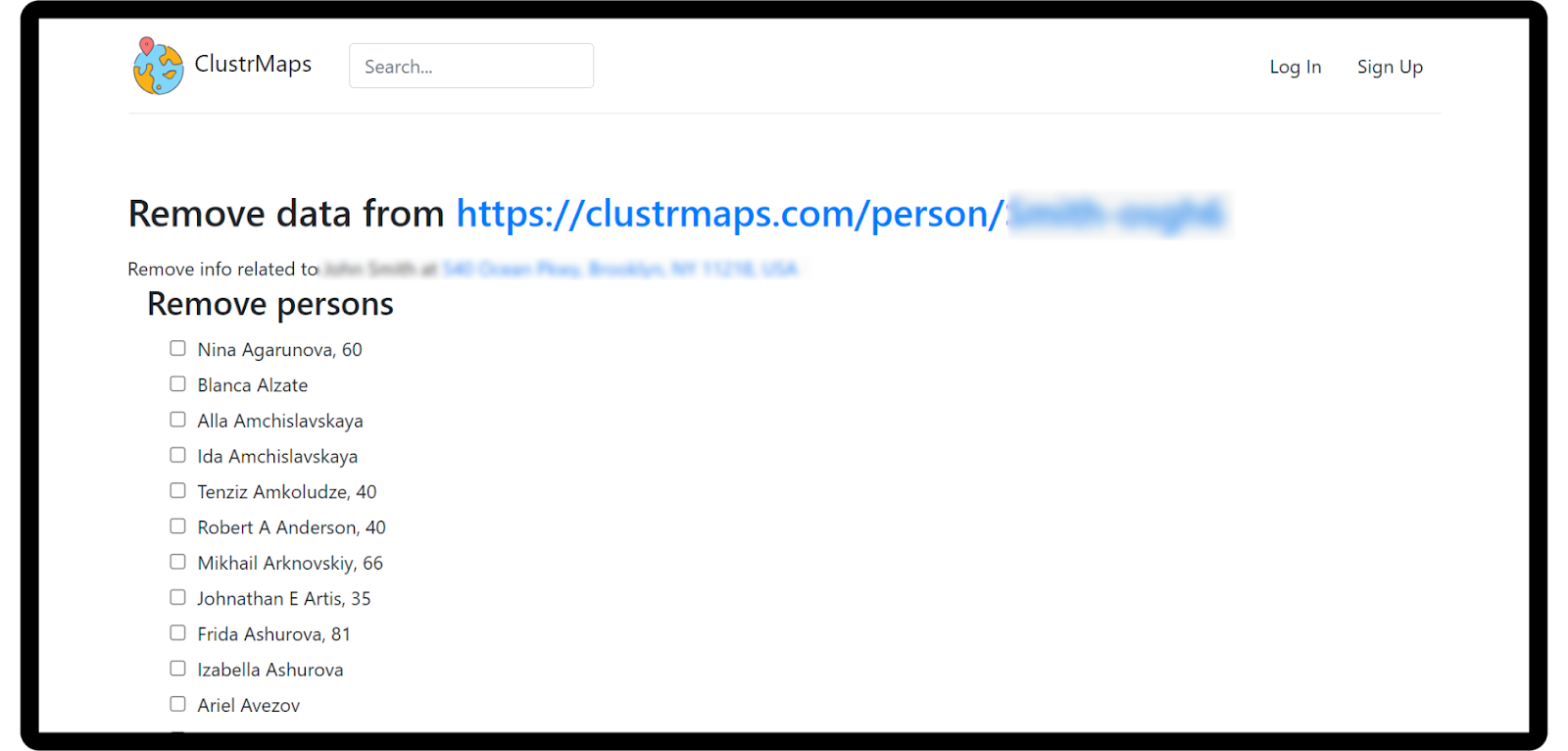
Go to the ClustrMaps opt-out page at https://clustrmaps.com/bl/opt-out. This is their official removal request form.
Step 5: Fill out the form
Paste the URL of your listing into the form. Enter your email address so they can confirm the request. You may need to check a box to verify you are not a robot.
Step 6: Confirm the email they send you
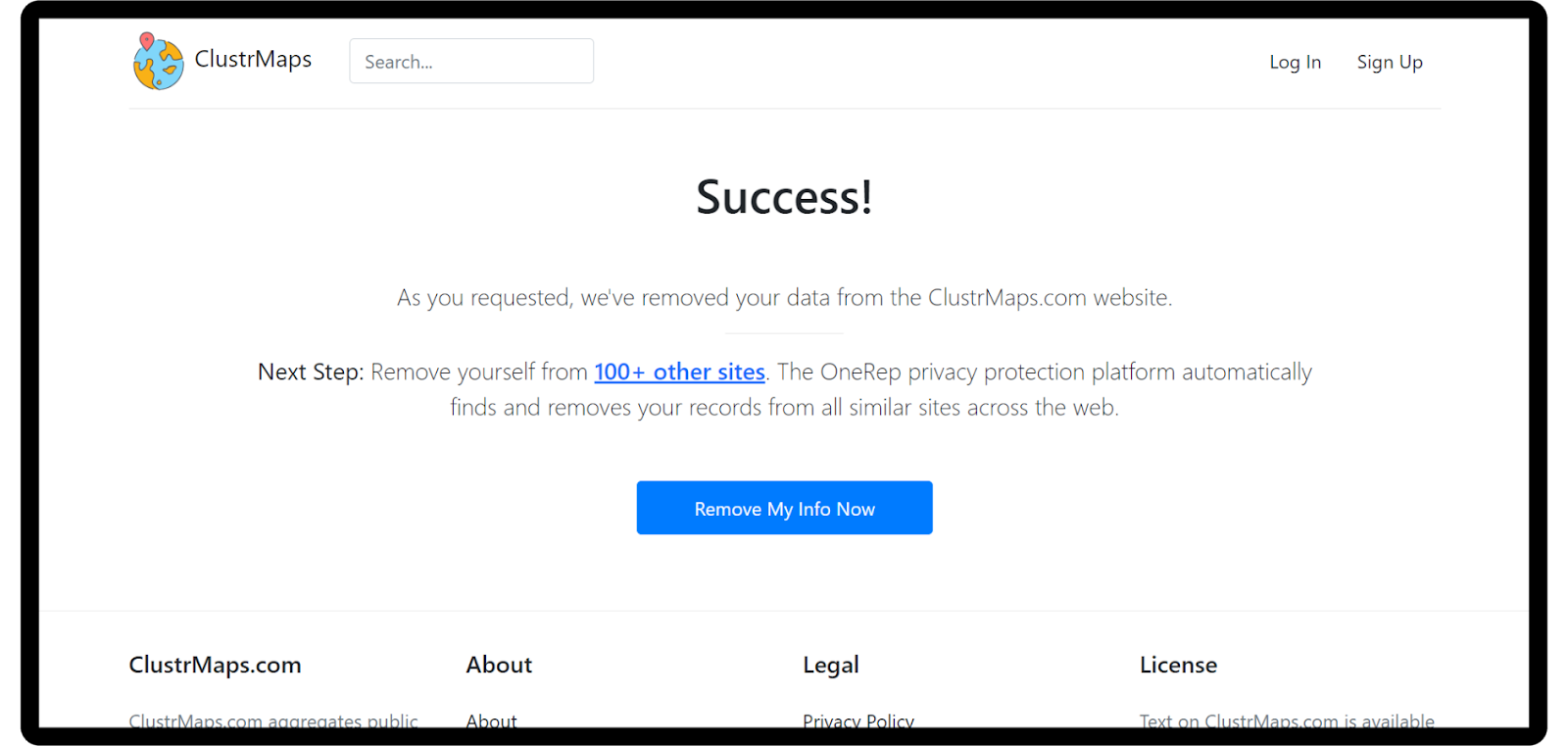
ClustrMaps will send a confirmation link to the email you entered. Open it and click to finalize your removal request.
That’s it. Once you confirm, they’ll begin the removal process. It usually takes a few days for your information to disappear from search results.

Keep an Eye on Other People Search Sites
ClustrMaps is just one of many. Your info is probably listed on other sites like Spokeo, True People Search, and Whitepages. Removing your data from one site doesn’t remove it from all of them.
If you’re serious about cleaning up your online footprint, check out this guide on how to erase your digital footprint completely. It explains where your data is, how it got there, and what you can do to remove it for good.
What Happens After You Opt Out?
Once your listing is removed, it should no longer show up when someone searches your name on ClustrMaps. You may still find cached results in search engines like Google, but those usually disappear over time. You can also request Google to update or remove outdated links using their Remove Outdated Content tool.
You won’t get a follow-up from ClustrMaps once your data is gone, so it’s a good idea to check back a week later to confirm.
Final Thoughts
Opting out of ClustrMaps is a quick and easy way to protect your personal information. If you’ve never done this before, it’s a great starting point for managing your online privacy.
Keep in mind that your data lives in a lot of places online. Removing it from one site is helpful, but it won’t solve everything. Reputation Privacy can help you manage the rest. We offer opt-out support, monthly privacy scans, and expert help to take your name off the web.
Take the first step. Then keep going.
Your data belongs to you.

We remove your personal information from 200+ broker sites, take back the first page of Google, and alert you the moment your data appears on the dark web.